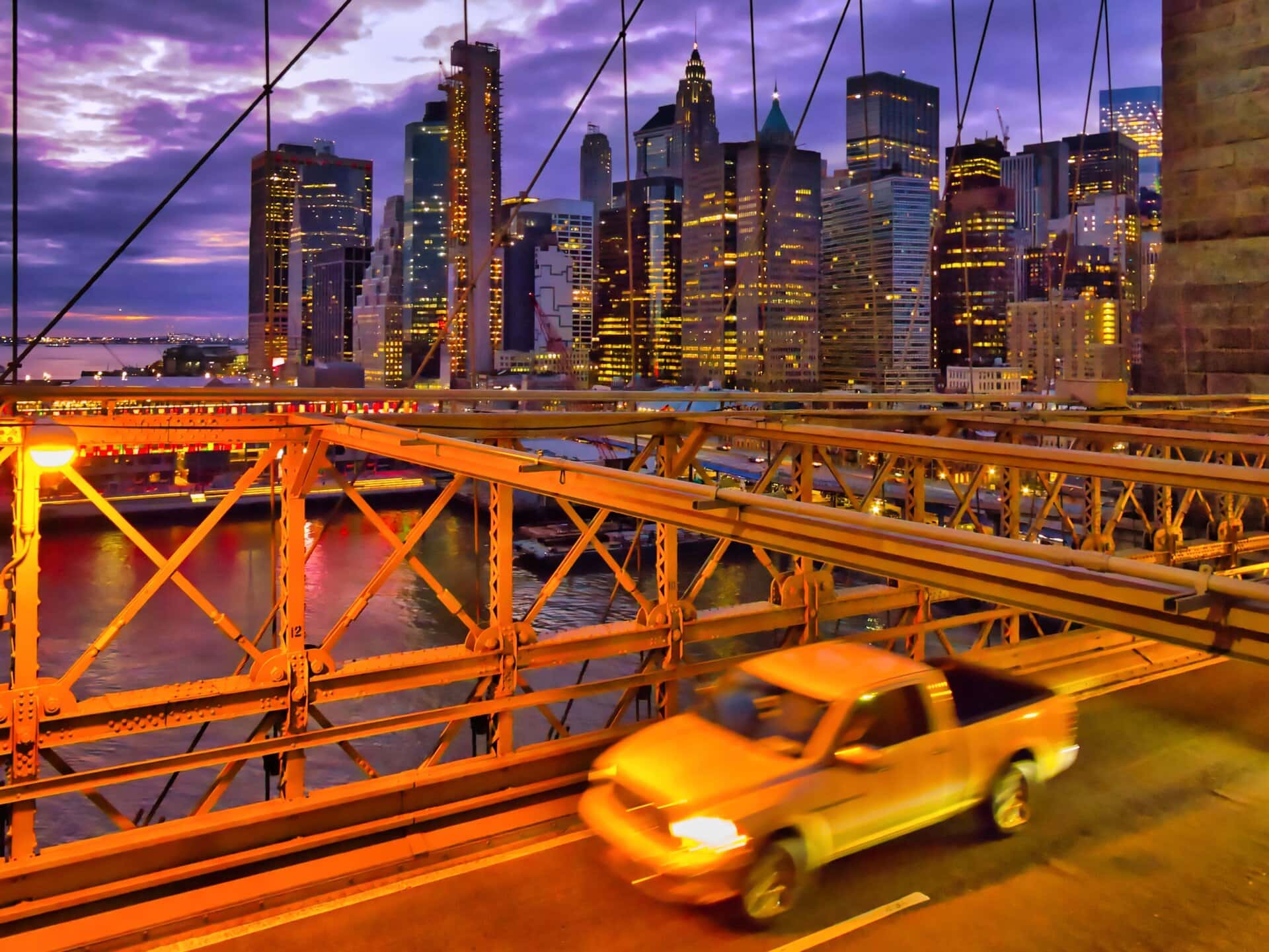
Yellow Chevy truck driving across Brooklyn Bridge
Disclosure: This page may contain affiliate links, meaning that I may receive a small commission if you decide to make a purchase through my links, at no additional cost to you.
This image was taken in December 2018. The featured image above is cropped to fit into the space available. The full image looks like this (click image to go full screen):
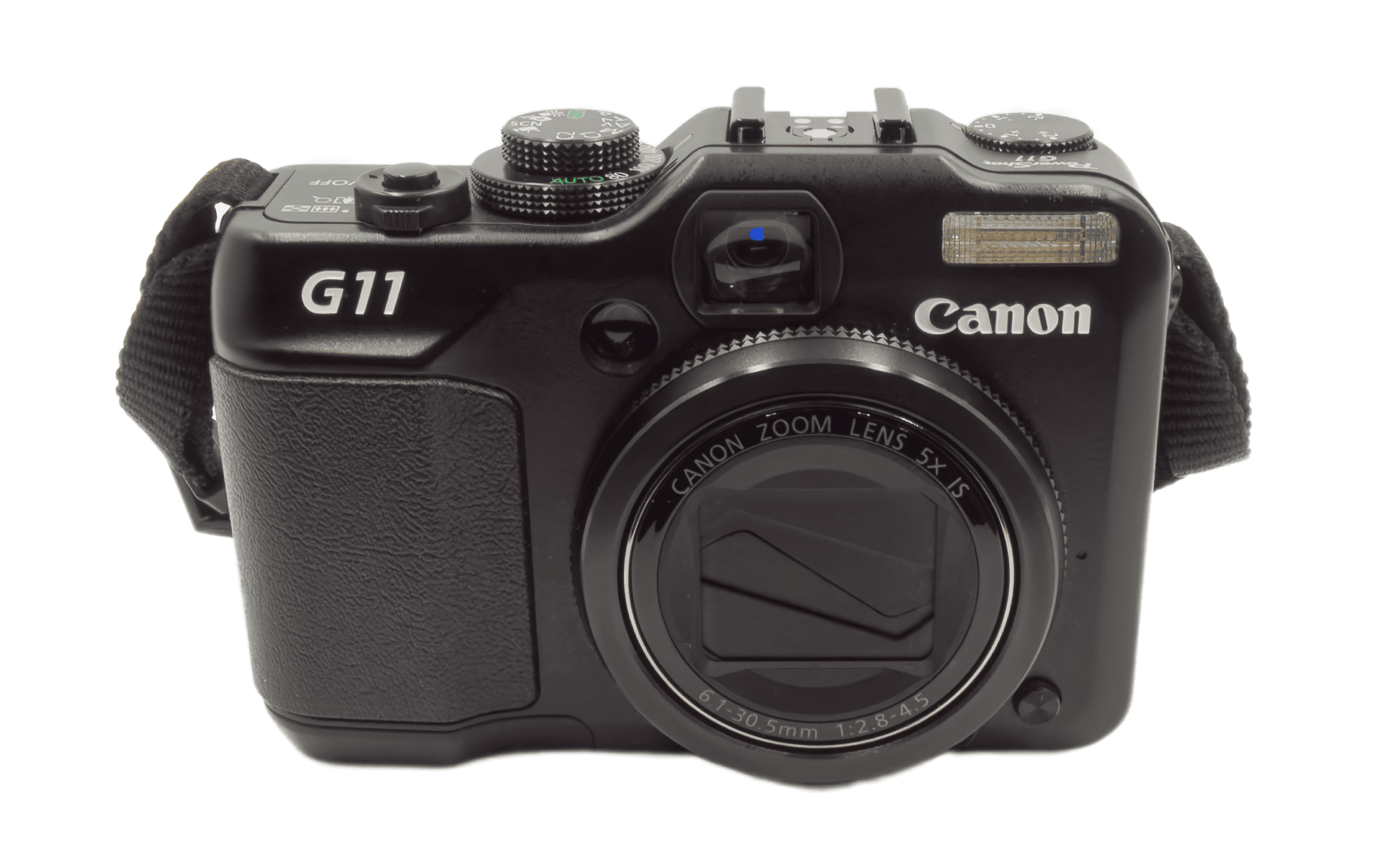
As this was a short city break with my family, the only camera I’d brought with me was what is by now regarded as a somewhat ancient camera, a Canon G11. On Ebay some sellers call it “vintage”.
The original image, straight out of the camera, needed some work. This is why: the sensor is a mere 10 megapixels, half what you’d expect at minimum with a new camera today. It’s a 1/1.7″ sensor, meaning that it’s about 1/9th of the area of a Micro Four Thirds sensor, about 1/12th of the area of an APS-C sensor, and about 1/20th of the size of a full frame sensor. Such tiny sensors are often associated with sub-par image quality, at least in low light situations.
In addition, I wanted the truck to show some motion blur, and anyway it was pretty dark, so the shutter speed was 1/20th of a second. The Canon G11 has image stabilisation, so no doubt that helped. But to capture enough light the ISO was 1600, and the aperture was f/4.0, neither of which were conducive to a noise-free and sharp image. I could have used a slightly larger aperture, so as to reduce the ISO, but there would have been less in focus and the image quality would have been worse.
With these settings, the Canon CR2 raw file was pretty messy, showing considerable amounts of quite chunky noise. And the 27mm equivalent focal length was adding a fair bit of distortion, so the “verticals” at the left hand end were far from vertical. I did the best I could with it in 2018, with the available software, but I couldn’t really overcome this conglomeration of issues, and therefore couldn’t produce a final image that I was completely happy with.
Fast forward to 2025 and I tried once more to make the image wonderful using DxO Photolab 9 (currently my usual first step). On top of the noise, straight out of the camera there were a lot of blown highlights. I struggled to get rid of them, with the highlight slider on maximum reduction, and working with exposure too. But I couldn’t fix the blown highlights without sending the shadows to oblivion.
I’ve had a lifetime Luminar Neo licence from when it first came out, which I’ve just updated to the latest version for a generously reasonable price (Black Friday). I haven’t used Luminar for quite a while, as it used to feel a bit gimmicky to me. On reflection now I can see that it was just ahead of its time. I thought I could never improve on DxO as a raw converter. How wrong I was.
I put Luminar Neo to the test with this Yellow Chevy Truck photo, starting with the raw conversion. This immediately just “worked”, with an initial Auto Adjust, and then some more tweaking. All in all a great experience – the full glory that had been lurking in the depths of the raw file since 2018 was finally revealed!
I exported a tiff file and then moved it into DxO to fix the distortion using Viewpoint. My default settings always have DxO Smart Lighting and DxO Clearview Plus switched on, so they kicked in and right away added an additional lustre to the image. I was also able to fix the distortion.
So the image you see above was reborn. Here’s the before and after:
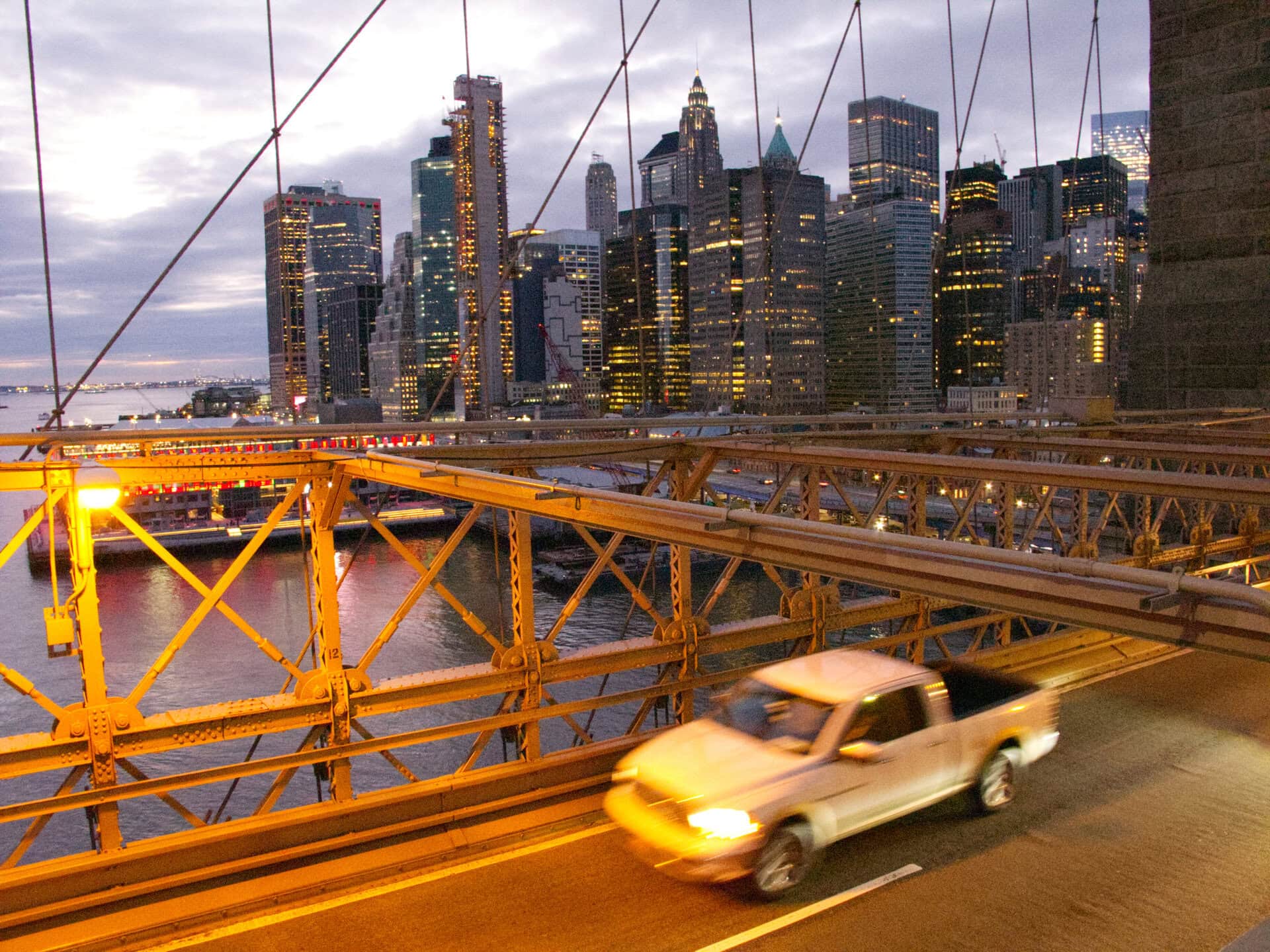
The f/4.0 aperture has restricted the depth of field (what is in sharp focus) to the foreground, and the smoothing effect of the noise reduction has acted to blur the background very slightly. That said, throughout the final image there are sharper points of light, including in the far distance, than were apparent in the original, unprocessed raw file. I believe that the outcome is that this image has the feel of a painting. In my opinion anyway, this is a pleasing effect.
In fact I’m so pleased with it that I have added it to my Fine Art America and Pixels.com sites where it is available to order as wall art in various formats and sizes (or printed on various household items, including for example, a jigsaw puzzle). It’s also available as a royalty free or rights managed download.
You can also see it full screen right here on this site, as part of my New York gallery.
Keywords for this image: North America, United States of America, New York, New York City, Manhattan, Brooklyn Bridge, Chevrolet, Chevy, truck, bridge, skyscraper, yellow, speed, traffic, fast, evening, dusk, twilight, weather, cloudy, purple, office building, escape, rush, motion blur, NY, NYC, USA, cloud, America